
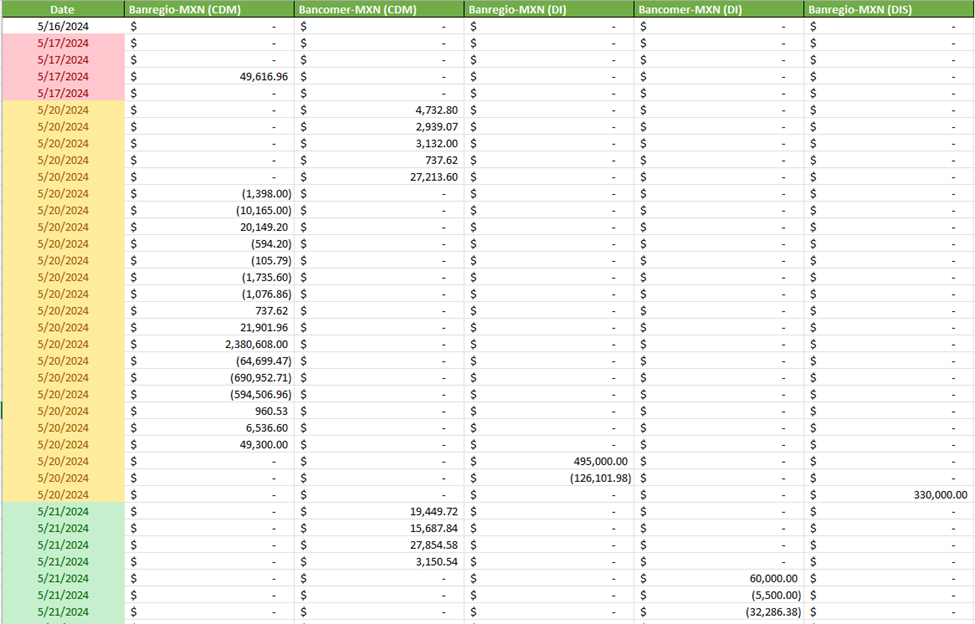
I have below sale data let me show you how can we apply pivot table or analyze it using pivot table.
I have input sale data below
Summary of steps that we will follow below:
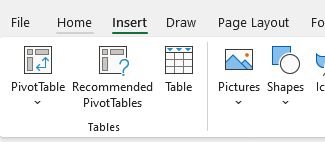
Select all data by clicking any data value and then press CTLR+A and goto insert.
Solution Steps:
- Select all data by clicking any data value and then press CTLR+A and goto insert.
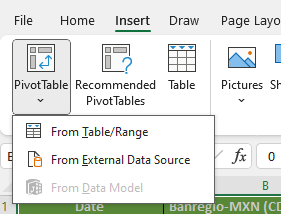
- Click on pivot table and select “from table/range”
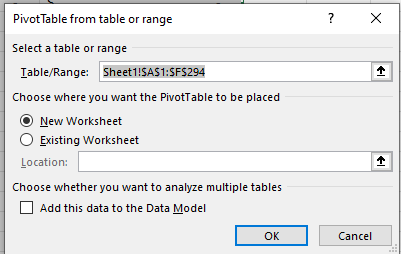
- Click OK
- You will get pivot table configuration interface
Steps:
- Select all data by clicking any data value and then press CTLR+A and goto insert.
- Click on pivot table and select “from table/range”
- Click OK
- You will get this type of interface
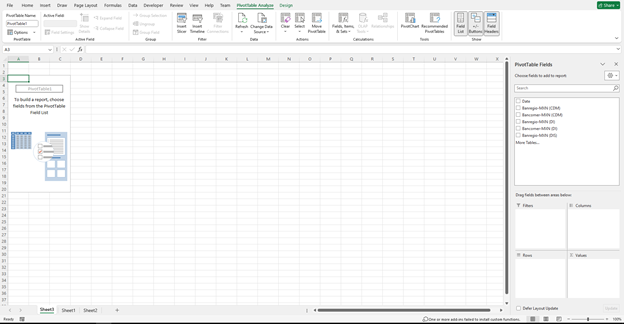
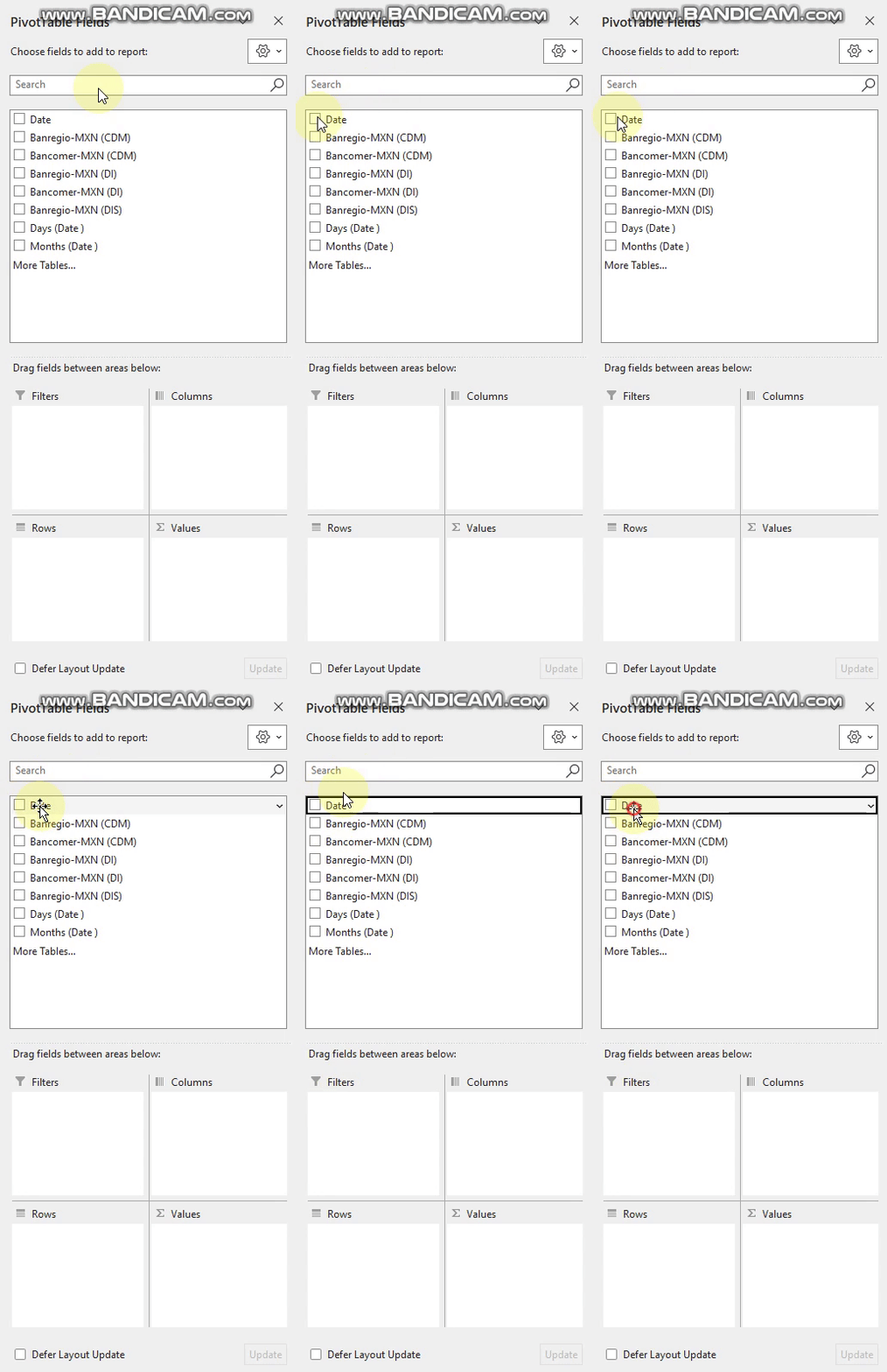
- Lets configure pivot table
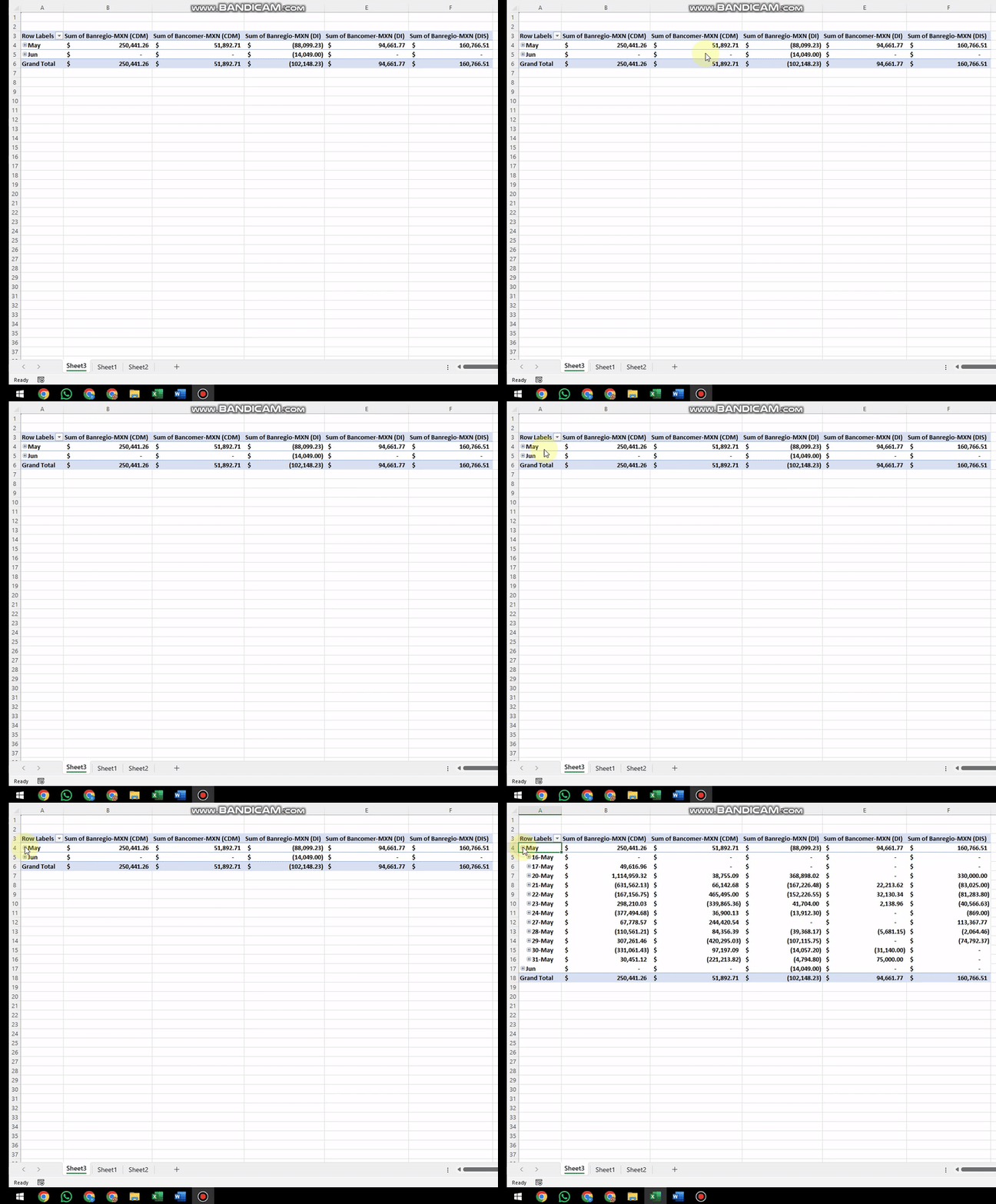
That’s it Thank you