
How to use text to column excel feature for CSV copied data.
The data is in front of you.
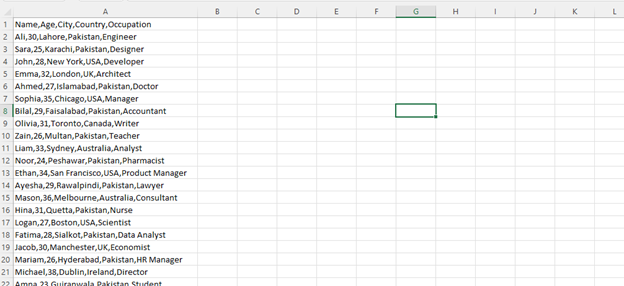
This data is now in CSV format. we will organize it into columns.
Step 1
First of all, we will select the data.
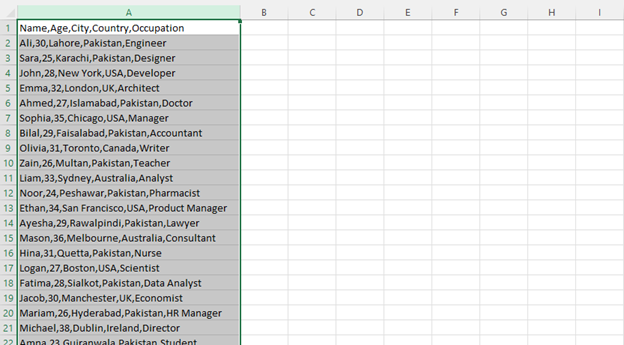
Then we will go to the Data tab.

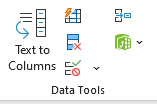
After going to the Data tab, we will click on ‘Text to Columns’ under the Data Tools group.
After clicking on Text to Columns, we will click the Next button.
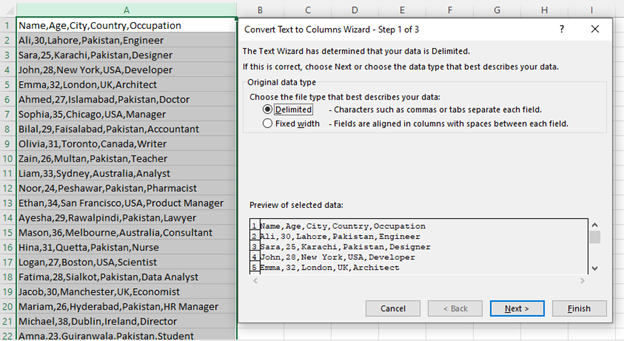
After clicking Next we will uncheck Tab in the Delimiters section and check Comma.
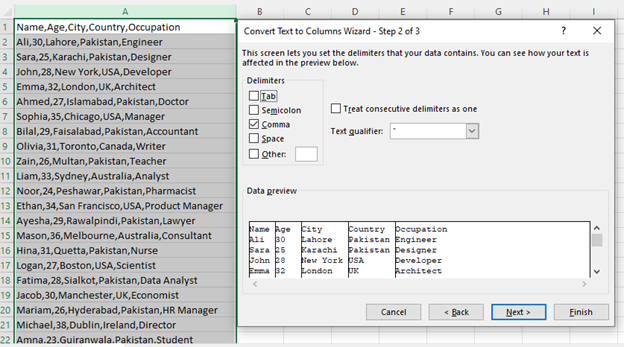
Then we will click Next.
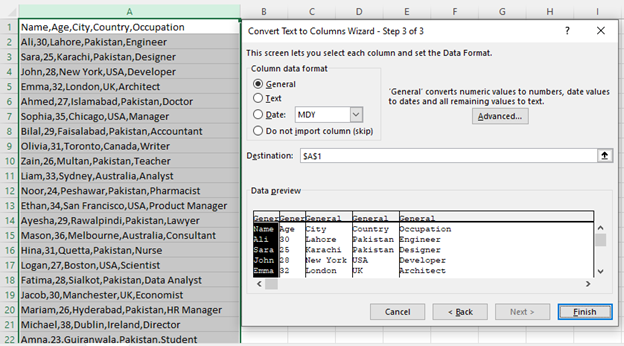
After clicking Next, we will click Finish.
“So, your work is done.
Thankyou.