
Step-by-Step Guide
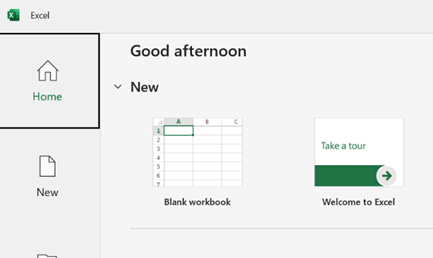
1: Open Your Excel File
. Launch Microsoft Excel and open the file you want to protect.
. Choose the sheet you want to lock.
Step 2: Go to the Review Tab
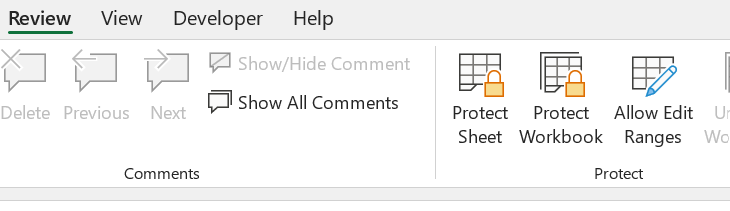
. Click on the “Review” tab in the top ribbon
. Then click “Protect Sheet
Step 3: Set a Password
. A dialog box will appear
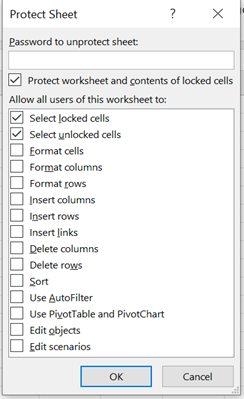
. Enter a password in the “Password to unprotect sheet” field
You can also check the actions you want users to be allowed to do (like select cells, format columns, etc.)
Click ok
Step 4: Confirm the Password
. Excel will ask you to re-enter the password
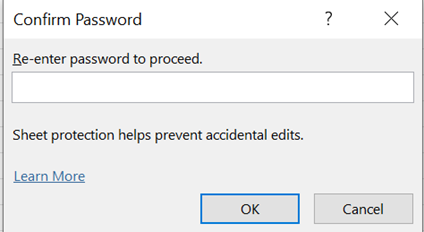
Type it again and click OK.
And its done