
The data is given below
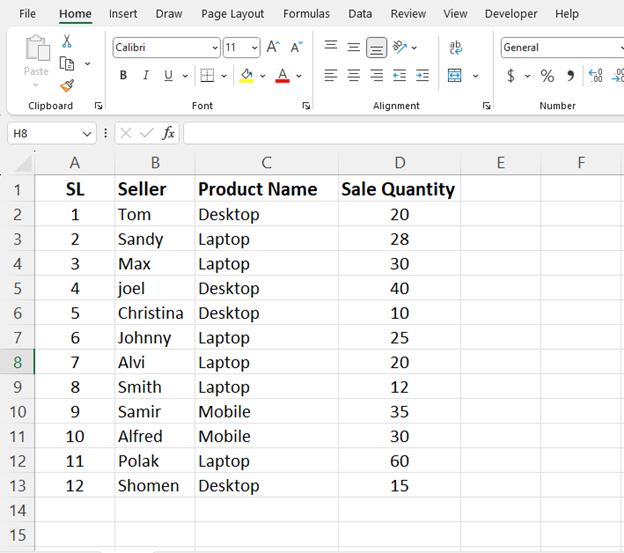
Select one row in E coloumn
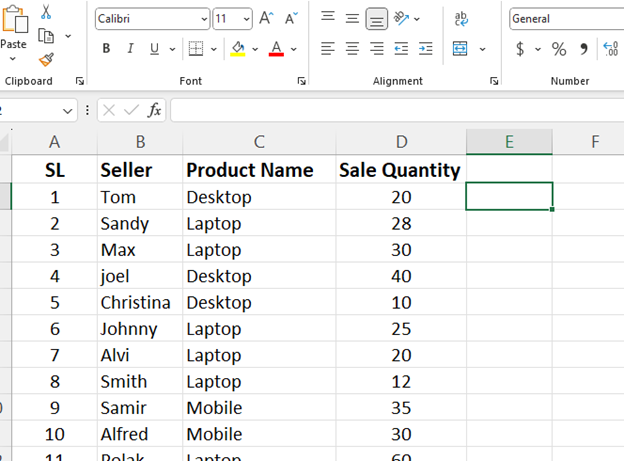
Now we will put the COUNTIF formula in this row
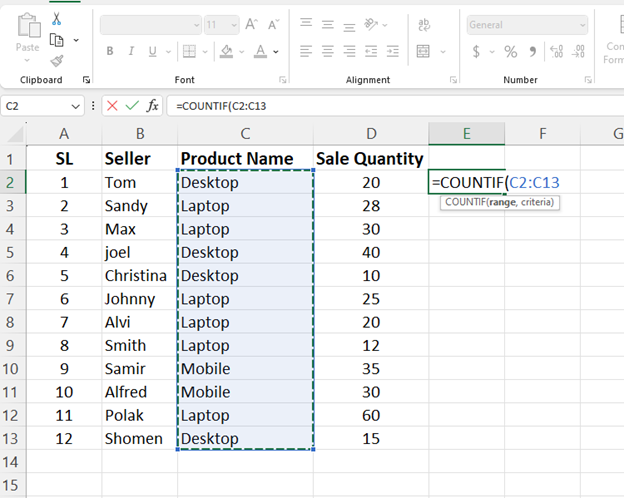
Select C2 TO C13 this is the range for the formula.
After
After that, put a comma and then select C2 in the product name.
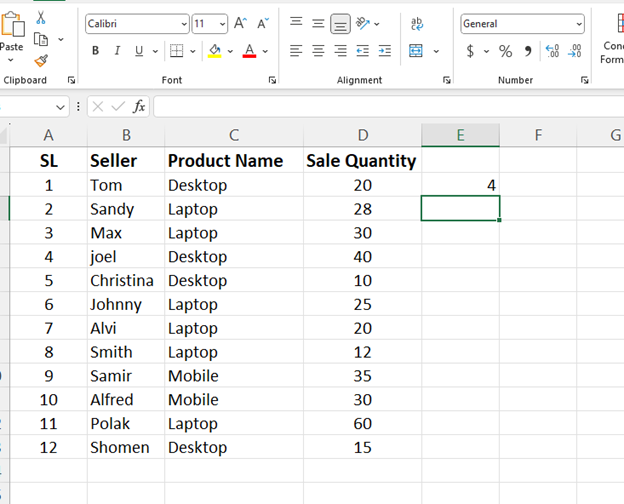
And press the enter button in keyboard and the result will appear in front of you.
Now if we drag it, the results for all the products will appear in front of us.
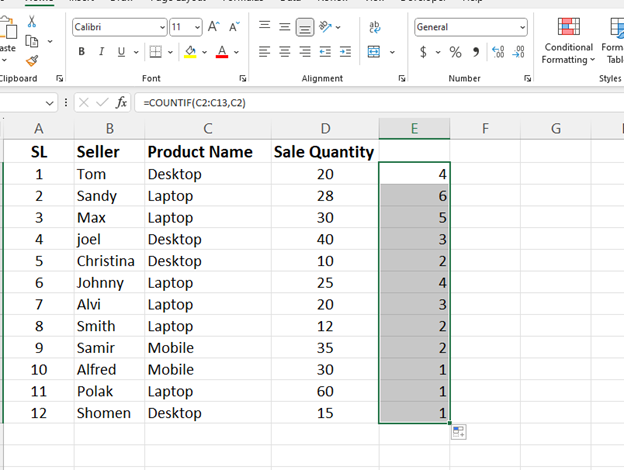
This completes your COUNTIF formula.
THANK YOU