
Master the Basic Structure:
All formulas start with =
Example: =SUM(A1:A10)
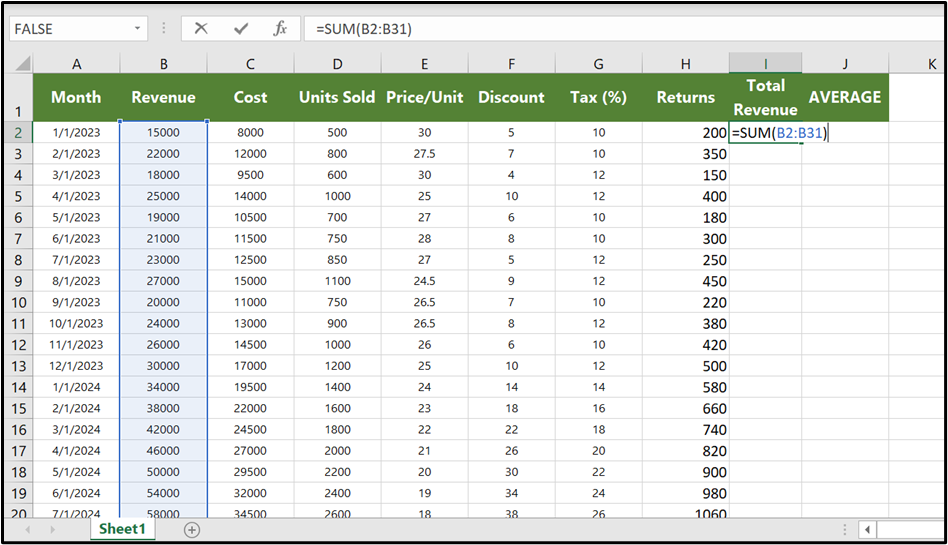
Learn These Essential Formulas First SUM() for Adding Adds numbers
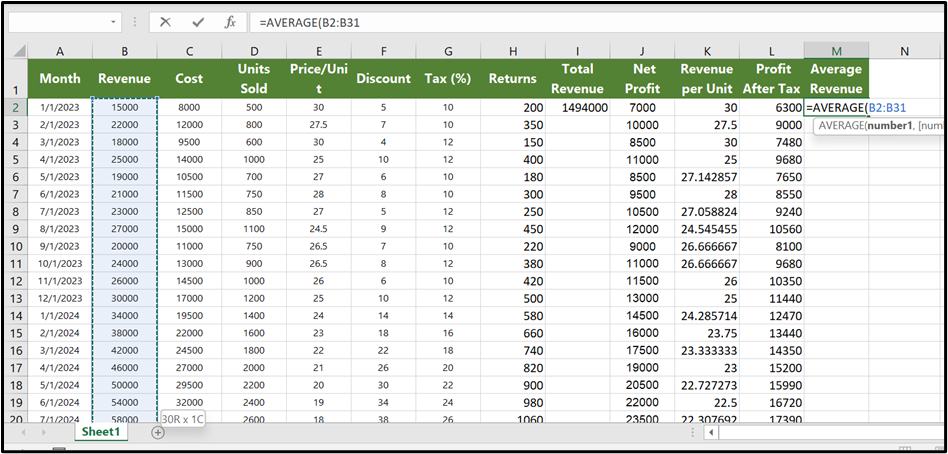
AVERAGE() for Calculates mean
COUNT() to Counts numeric cells
IF() for Simple conditional logic
Formula:
for example:
=IF(B2 > 20000,”Cross”,””)
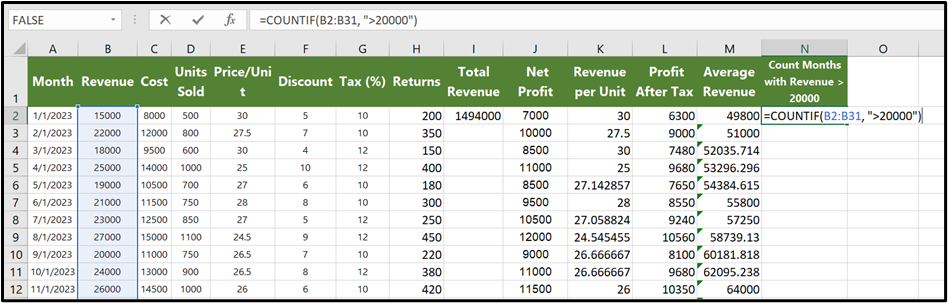
Count if() to Counts numeric cells by conditions
Use Formula AutoComplete
Start typing =SU and Excel will suggest SUM
Just for example that how to implement sum formula:
Press Tab to accept the suggestion
Learn Common Operators
+ Addition
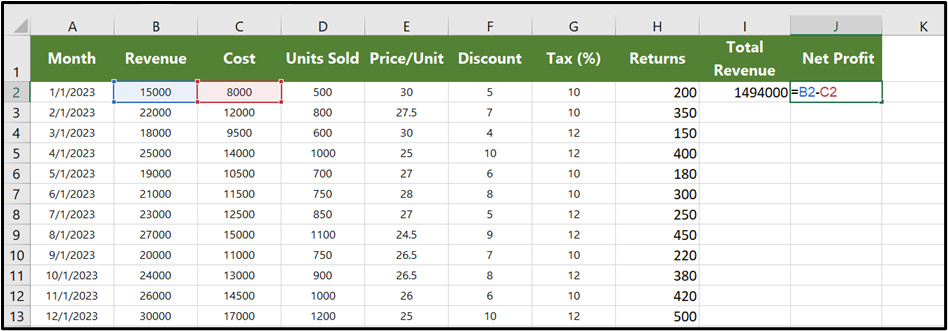
– Subtraction
* Multiplication
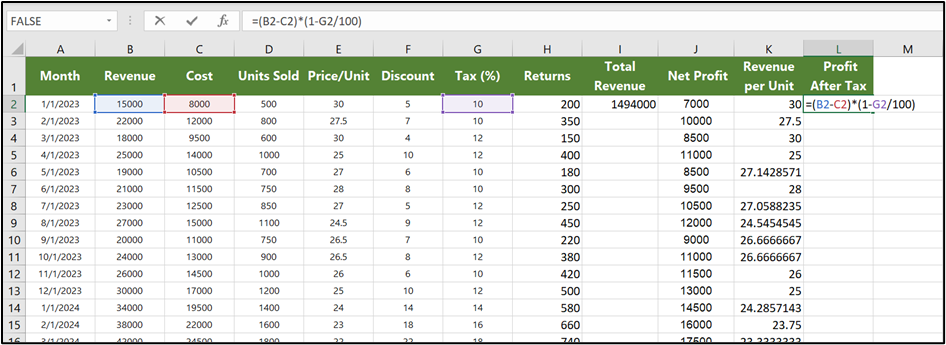
/ Division
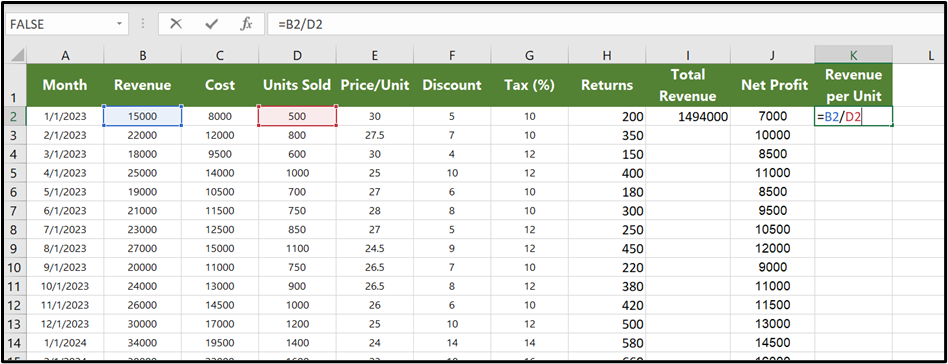
& Text concatenation
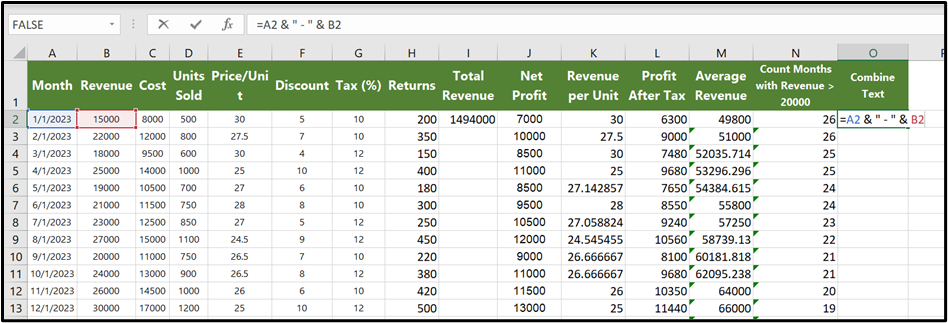
Formula:
=A2 & ” – ” & B2
It will combine text by hyphen – as shown in image
Hope you liked it! Thanks for reading till the end. We’ll meet again in the next exciting topic.
For premium Excel services at affordable prices with guaranteed quality, visit our website:
www.irfanai.com