How to open VBA form by keyboard shortcut
In this blog we will be assigning shortcut (CTRL + —)to open our VBA form. So I have form which is opening by button as shown in image. So first let delete the button because we will be opening the…

In this blog we will be assigning shortcut (CTRL + —)to open our VBA form. So I have form which is opening by button as shown in image. So first let delete the button because we will be opening the…
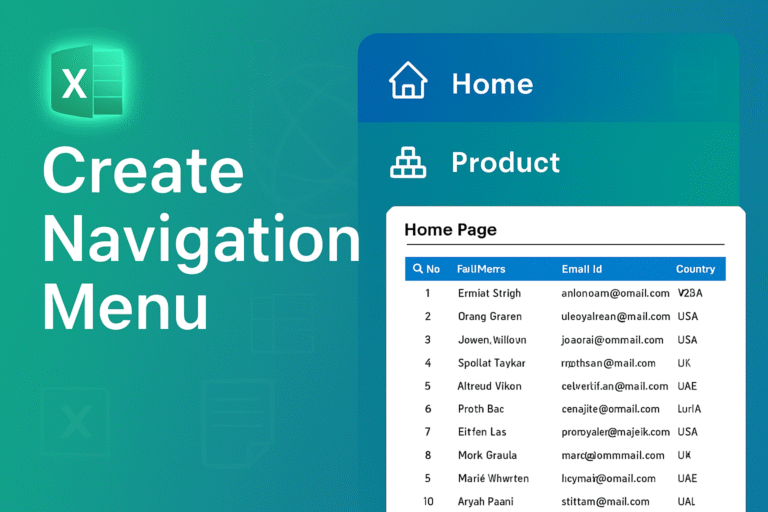
Today we are creating a navigation Menu In excel to make our sheet professionalso let start First you setup your data in your tabsI have four sheets named Insert an shapein the left side area and apply formatting according to…
Today is very interesting and one of the most powerful and easy tool of excel power query a tool by which you can process thousands and millions of data in minutes First Step: Setup your data you want to mergelet…
Master the Basic Structure: All formulas start with = Example: =SUM(A1:A10) Learn These Essential Formulas First SUM() for Adding Adds numbers AVERAGE() for Calculates mean COUNT() to Counts numeric cells IF() for Simple conditional logic Formula:for example: =IF(B2 > 20000,”Cross”,””)…

STEP 1: Set up your data in the table from which we will retrieve the data. STEP 2: Add a dropdown in Columns B and C for Company and Product. Use the Data Validation tool to add dropdowns. Below are…
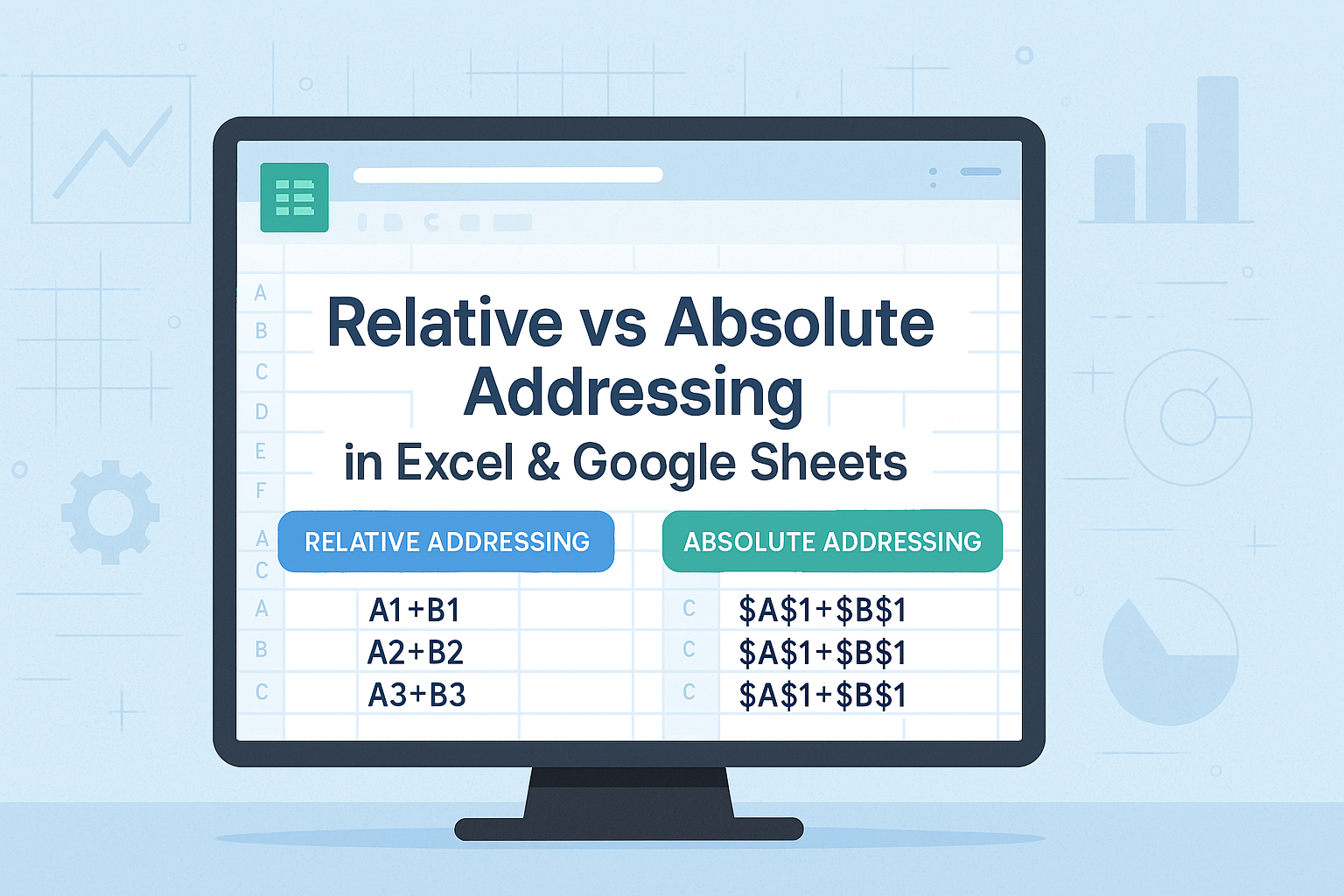
Let’s go through a step-by-step guide to master relative and absolute references. Step 1: Set Up Data Setup your data in Excel or Google Sheets as shown below: Step 2: Calculate Total (Before Tax) Using Relative References Total = (Price…
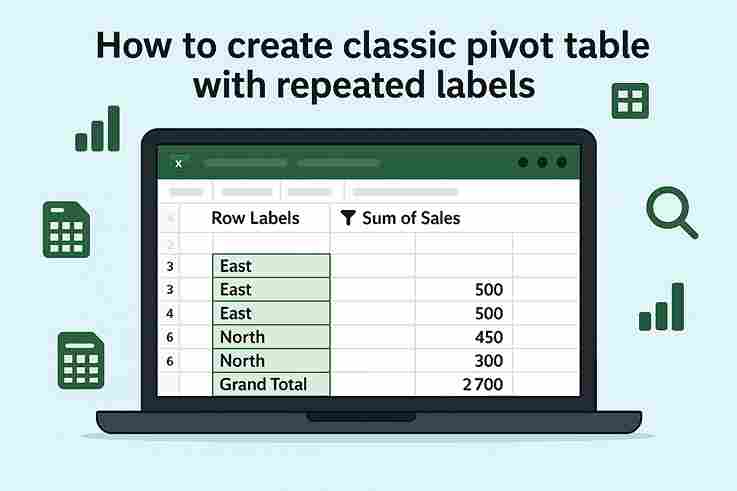
Step 1: Insert Pivot Table 2. Go to Insert → PivotTable. 3. Choose New Worksheet (or existing) and click OK. Step 2: Set Up Pivot Fields Step 3: Enable Repeated Labels 4. Click Report Layout again → Repeat All Item Labels. 5. Not cleaned yet: 6. Cleaning Click on…
What I have to share with you today is far more relevant than the strategies and hacks that most people talk about. I don’t want to call this just another blog post with all the generic tips. This is real,…
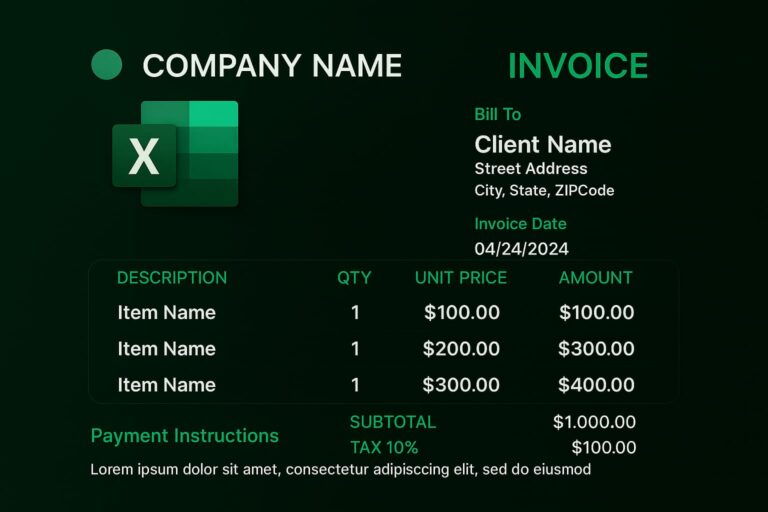
Invoice Structure Overview An invoice needs to contain the following structure: the header, the client’s details, the invoice details, payment info, and a note. 1. Header Section An invoice: have a header with the title INVOICE along with your business…
Recently I have made solution for sell inventory project which is Basically about Shoes inventory management system So after reading the full Blog you will be able to create and track you own Inventory List in Excel. FAQS: How to…