
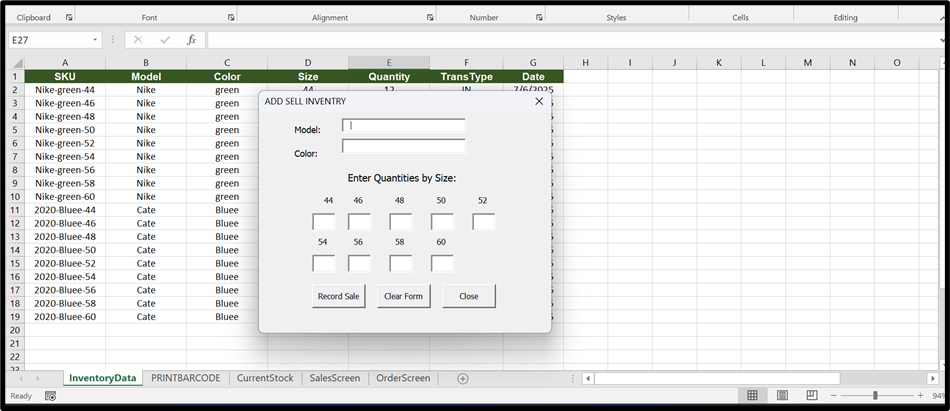
In this blog we will be assigning shortcut (CTRL + —)to open our VBA form. So I have form which is opening by button as shown in image.
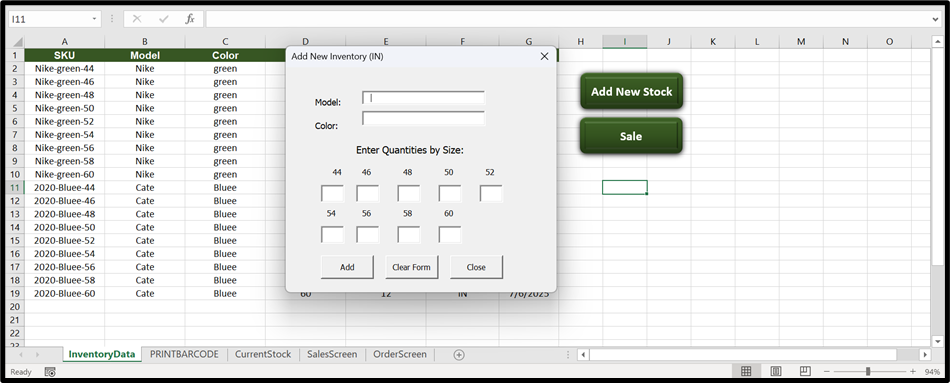
So first let delete the button because we will be opening the form by shortcut key.
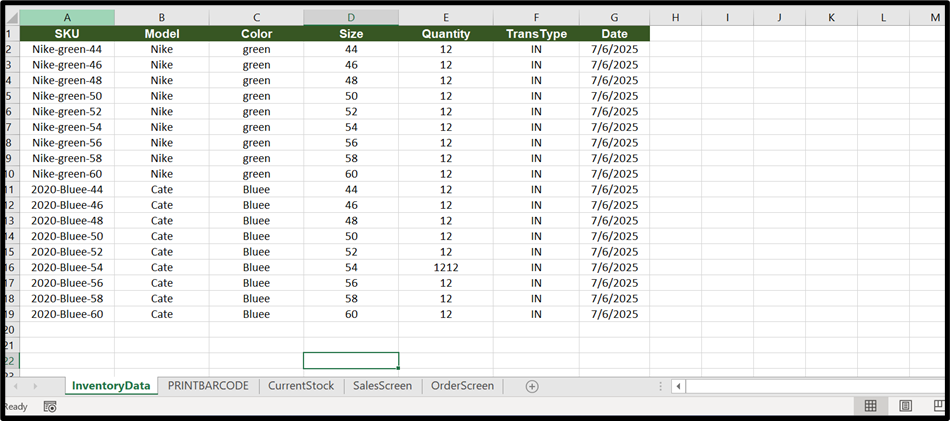
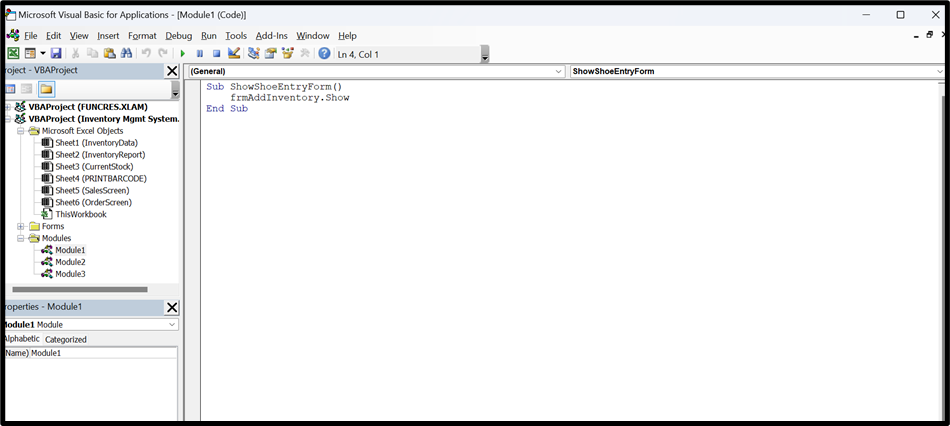
now open VBA editor by pressing ALT + F11
Add New module and then paste below code
CODE:
Sub ShowShoeEntryForm()
frmAddInventory.Show
End Sub
Replace form name with your own
and save then close the VBA editor
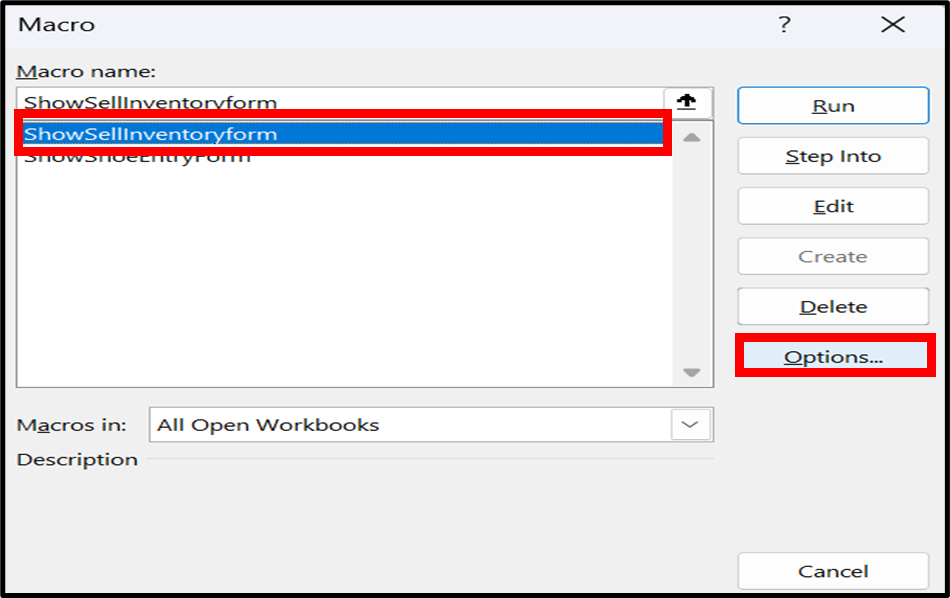
Now press Alt + F8 a new dialog box will open.
Select your module.
(Showsellinventoryform)
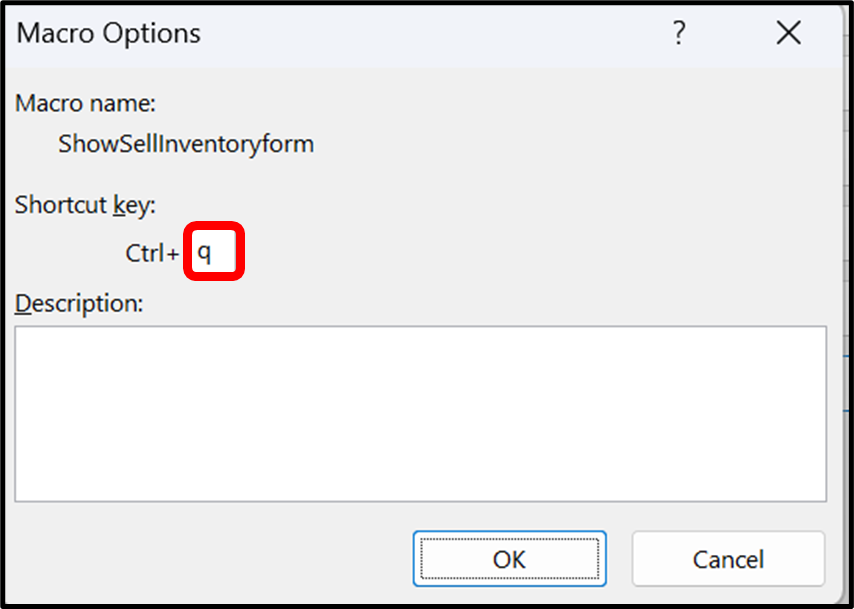
And select option in bottom.
A new window will pop up
simply add your own key I select ctrl + q
Then Click on ok and close the previous window
Now let’s try it by shortcut.
as you can see in below image there is no button but opening by keyboard shortcut.
Hope you liked it! Thanks for reading till the end. We’ll meet again in the next exciting topic.
For premium Excel services at affordable prices with guaranteed quality, visit our website:
www.irfanai.com