
Steps summary:
- Click on View in the menu strip
- Click on Freeze Panes as shown below
- Select the freeze top row option
I have data below in an Excel sheet
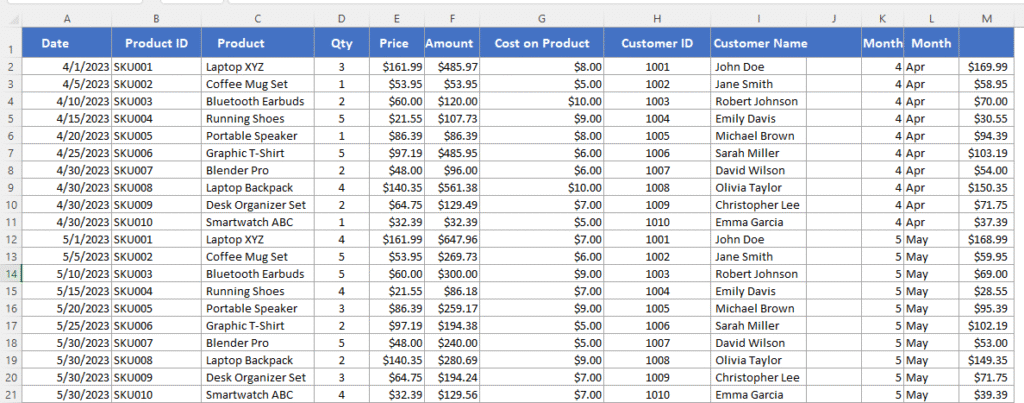
we will follow below steps
- Click on View in menu strip
- click on Freeze Panes as shown below
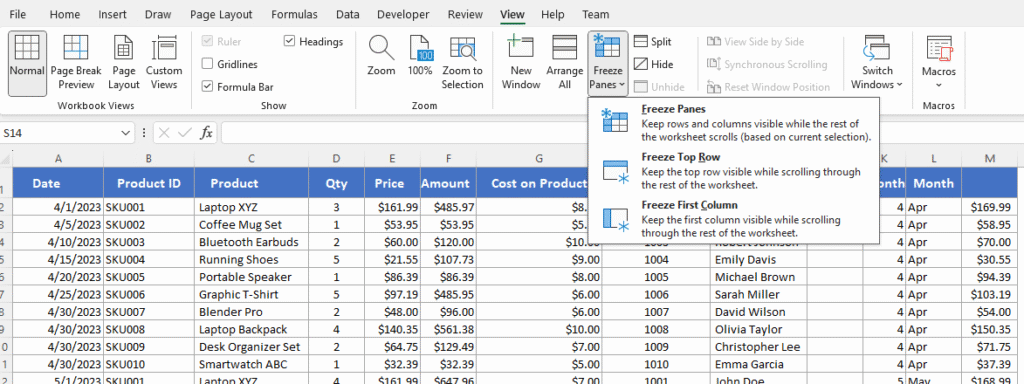
3. Select freeze top row option
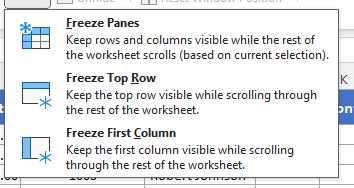
Thats It!
i hope you enjoyed
Thank You