
Easy Method: using filter
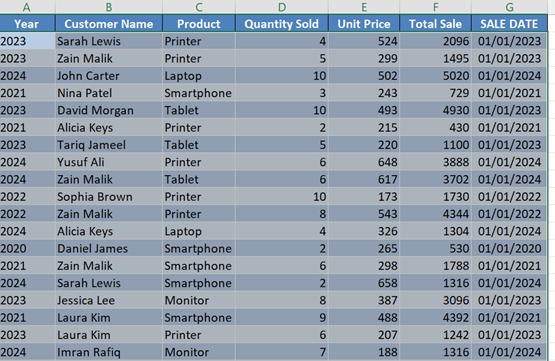
- Select your table (Click inside the table and press Ctrl + A)
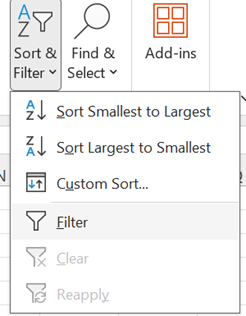
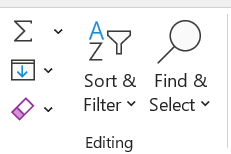
- Go to Home > Sort & Filter > Filter
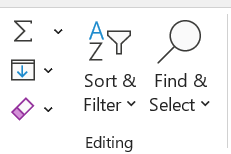
Then filter
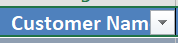
- Click the small arrow on any column
- Uncheck “Select All”, then check “(Blanks)”
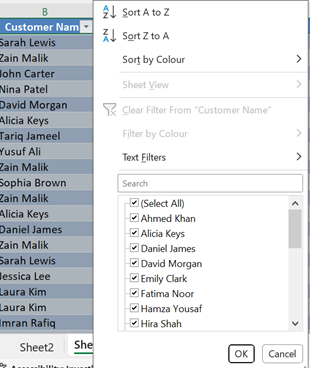
Then check blanks

- Only blank rows will show now
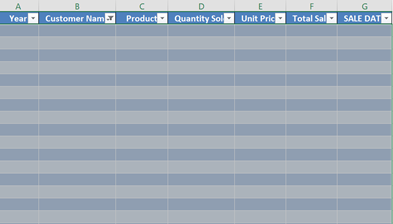
- Select those rows, right-click, and click Delete Row

- Go back to the filter and click Clear Filter
Then

Now you have clear data