Tag excel pivot table

Mastering Power Query

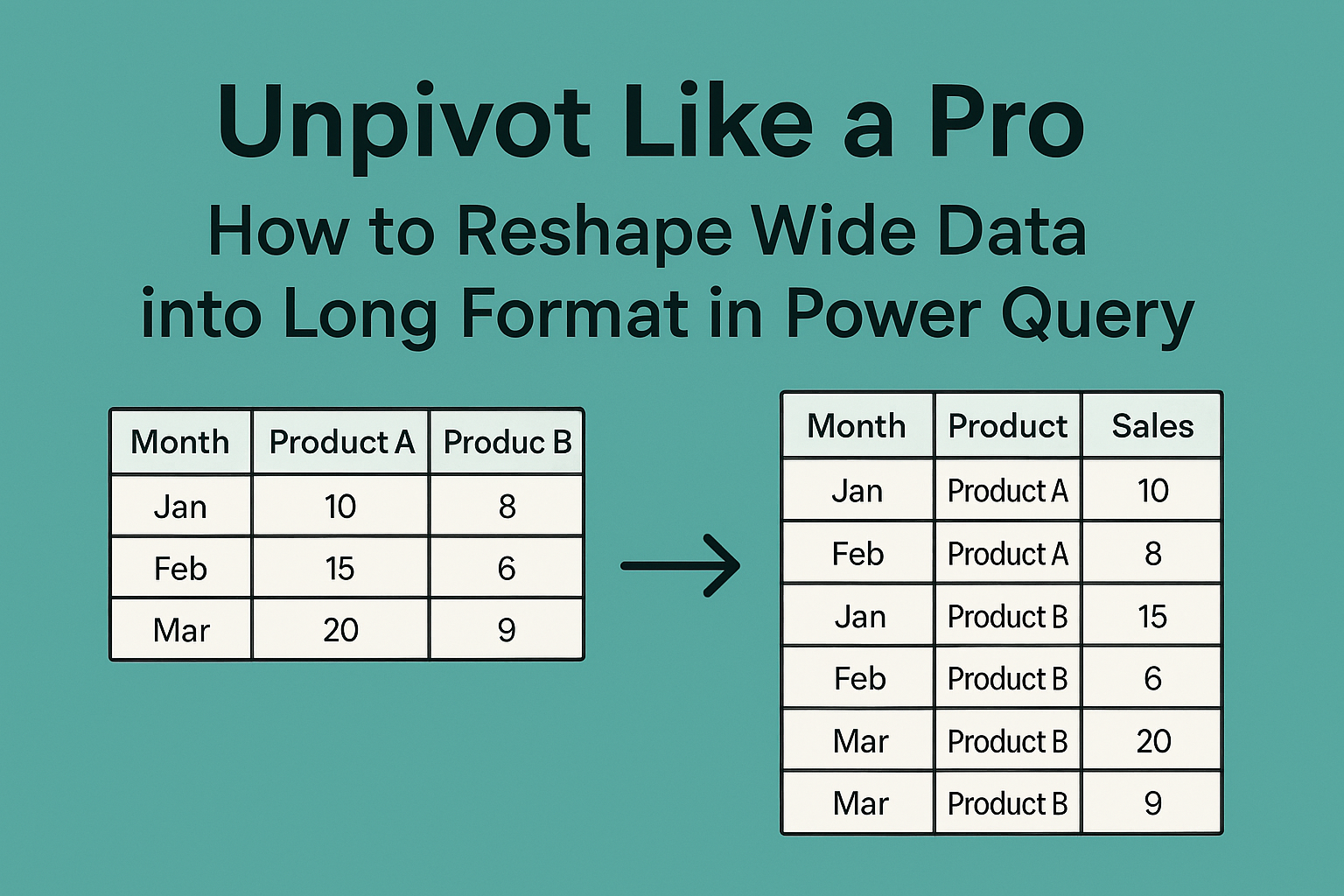
Unpivot Like a Pro: How to Reshape Wide Data into Long Format in Power Query What is Power Query? Power Query is a built-in tool in Excel (and Power BI) designed for data cleaning, transformation, and automation. It eliminates the…

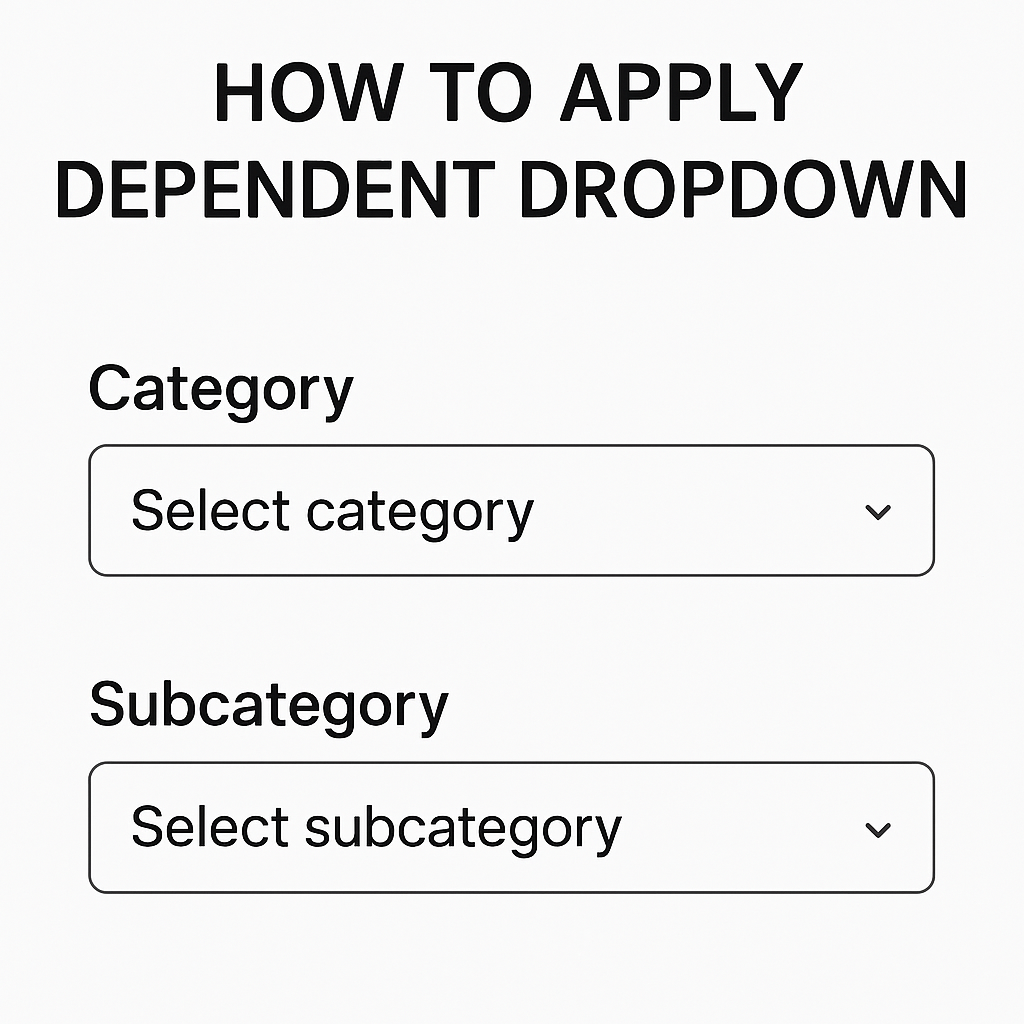
How To Apply Dependent Dropdown

We Have This Data Below > First Of All > Select The Range Of Data. And Go To Data And Then Click On Data Validation. Select List Option. And Put Formula For Main Category. Tips : Select The Main Category…

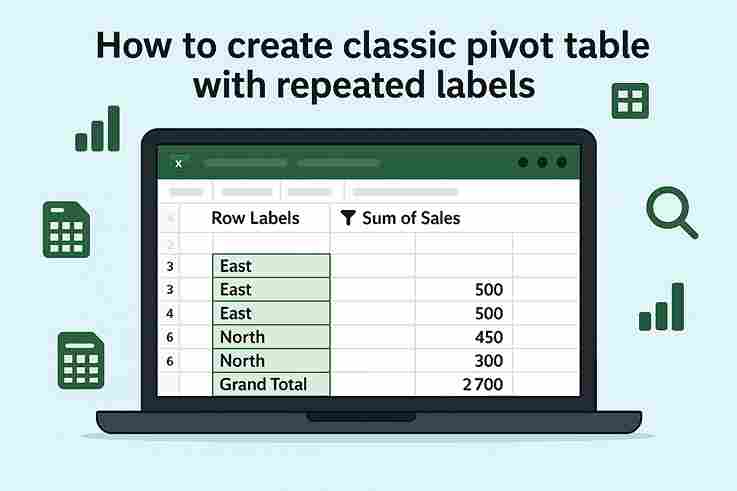
How to create classic pivot table with repeated labels.

Step 1: Insert Pivot Table 2. Go to Insert → PivotTable. 3. Choose New Worksheet (or existing) and click OK.  Step 2: Set Up Pivot Fields Step 3: Enable Repeated Labels 4. Click Report Layout again → Repeat All Item Labels. 5. Not cleaned yet: 6. Cleaning Click on…

Excel vs Google Sheets – Features Comparison

1. Platform Support Excel:Microsoft Excel primarily works as a desktop application for Windows and Mac. It offers a full-featured experience even without internet access. Google Sheets:Google Sheets is web-based and runs entirely in a browser. While offline access is possible,…

How to apply pivot table on sale data?

I have below sale data let me show you how can we apply pivot table or analyze it using pivot table. I have input sale data below Summary of steps that we will follow below: Select all data by clicking…