How To Apply Dependent Dropdown
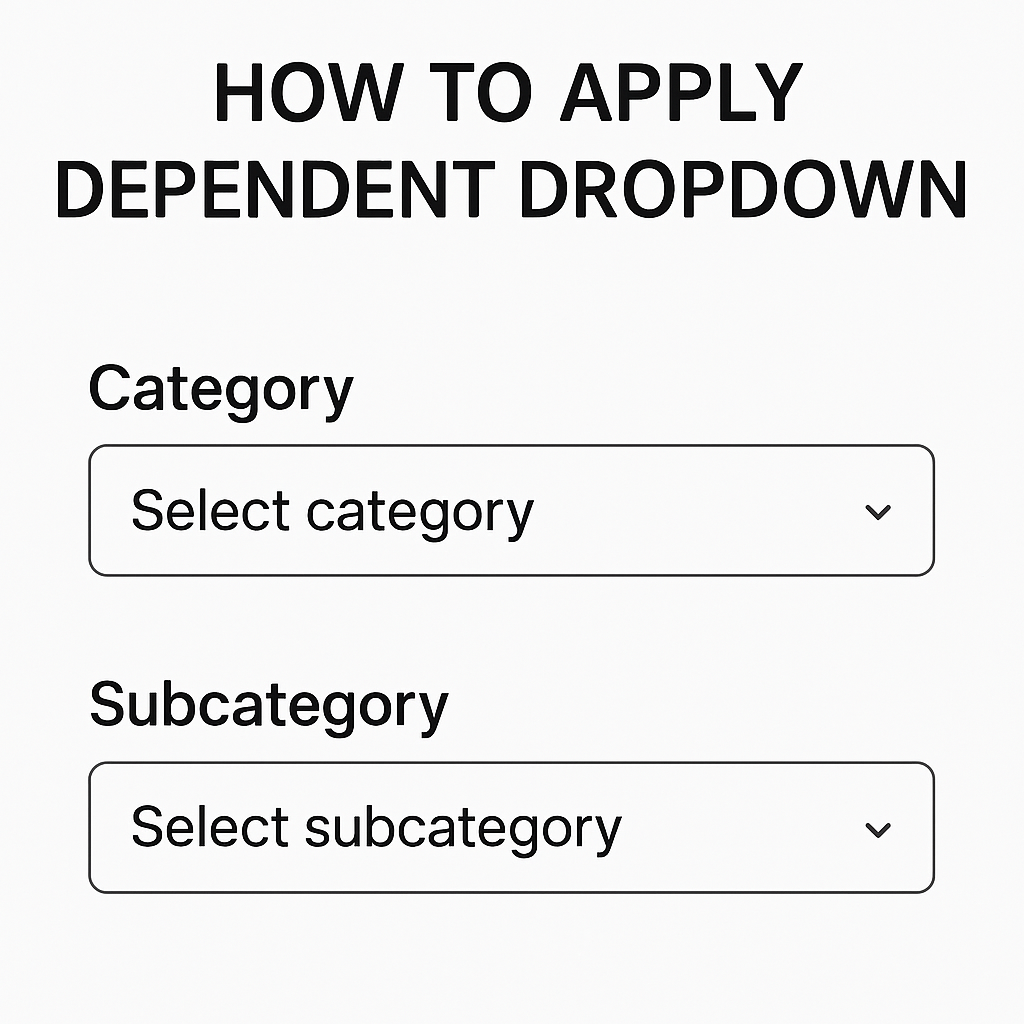
We Have This Data Below > First Of All > Select The Range Of Data. And Go To Data And Then Click On Data Validation. Select List Option. And Put Formula For Main Category. Tips : Select The Main Category…
We Have This Data Below > First Of All > Select The Range Of Data. And Go To Data And Then Click On Data Validation. Select List Option. And Put Formula For Main Category. Tips : Select The Main Category…
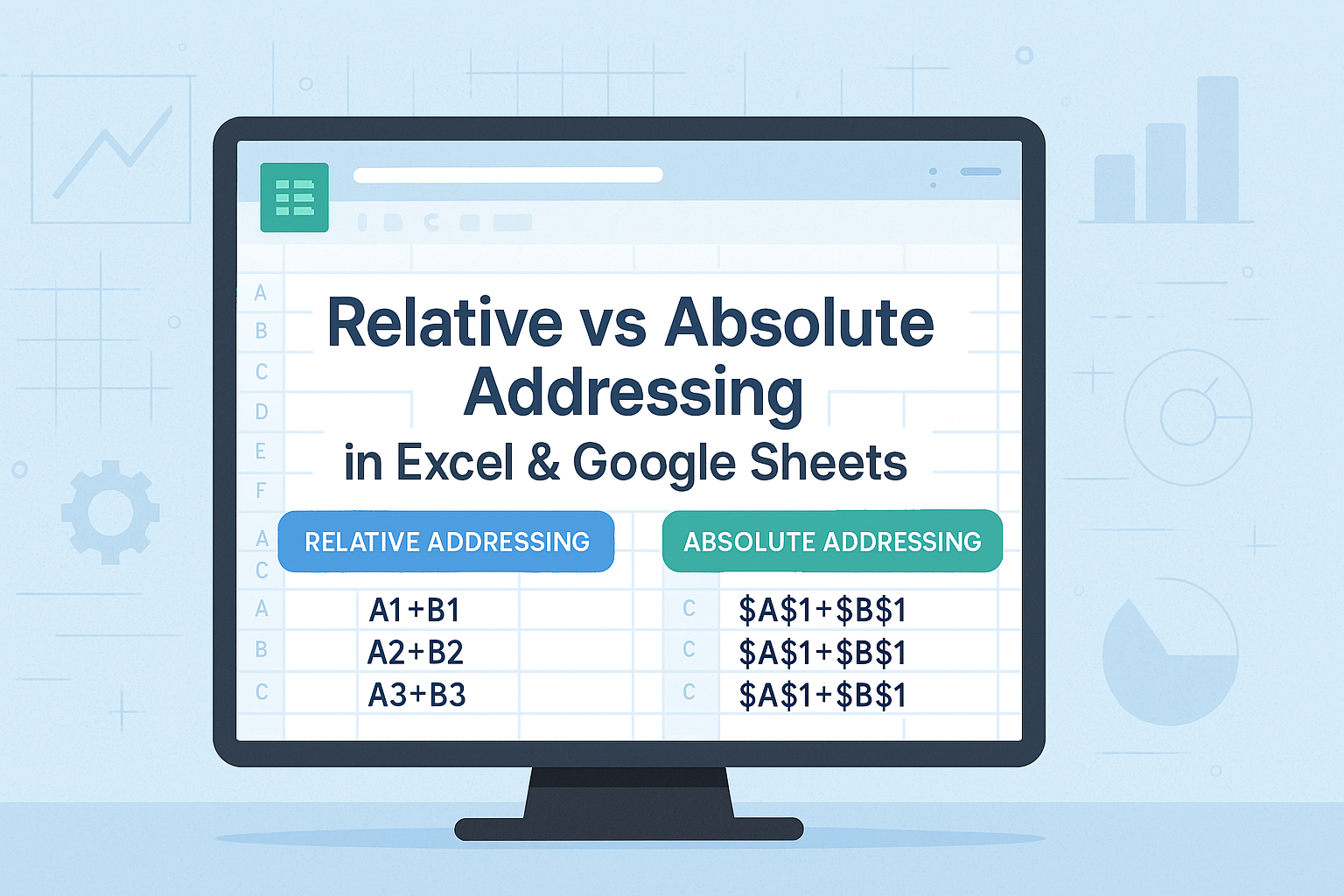
Let’s go through a step-by-step guide to master relative and absolute references. Step 1: Set Up Data Setup your data in Excel or Google Sheets as shown below: Step 2: Calculate Total (Before Tax) Using Relative References Total = (Price…
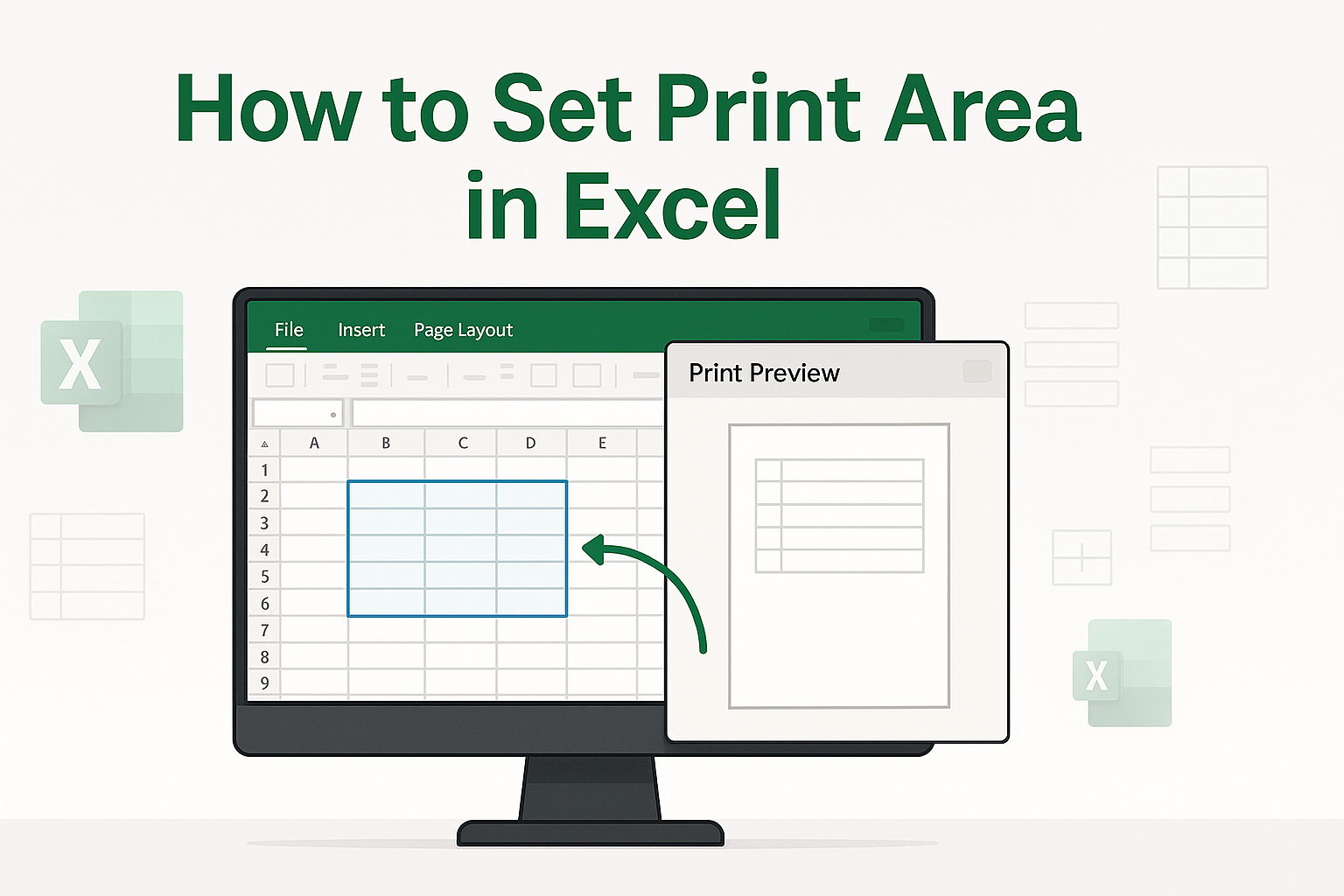
We have This data Below Select all data set. Go to page layout. And now click Print area. And click a Set Print area. That’s it here’s your work. I hope you’ll come again! Thank you.
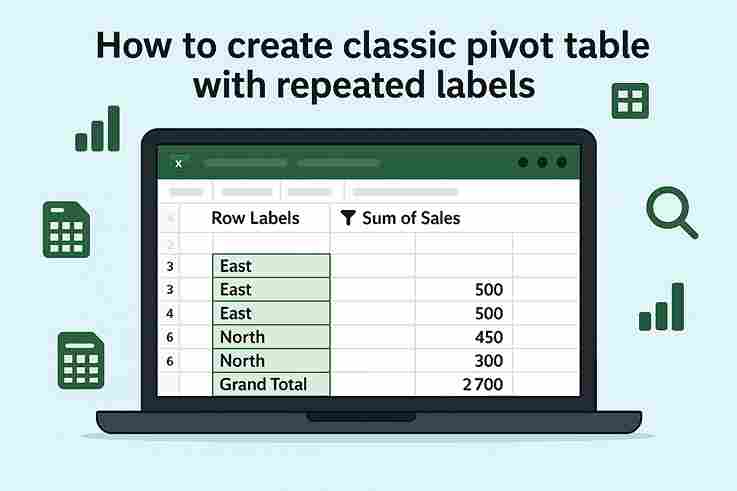
Step 1: Insert Pivot Table 2. Go to Insert → PivotTable. 3. Choose New Worksheet (or existing) and click OK. Step 2: Set Up Pivot Fields Step 3: Enable Repeated Labels 4. Click Report Layout again → Repeat All Item Labels. 5. Not cleaned yet: 6. Cleaning Click on…

1. Platform Support Excel:Microsoft Excel primarily works as a desktop application for Windows and Mac. It offers a full-featured experience even without internet access. Google Sheets:Google Sheets is web-based and runs entirely in a browser. While offline access is possible,…
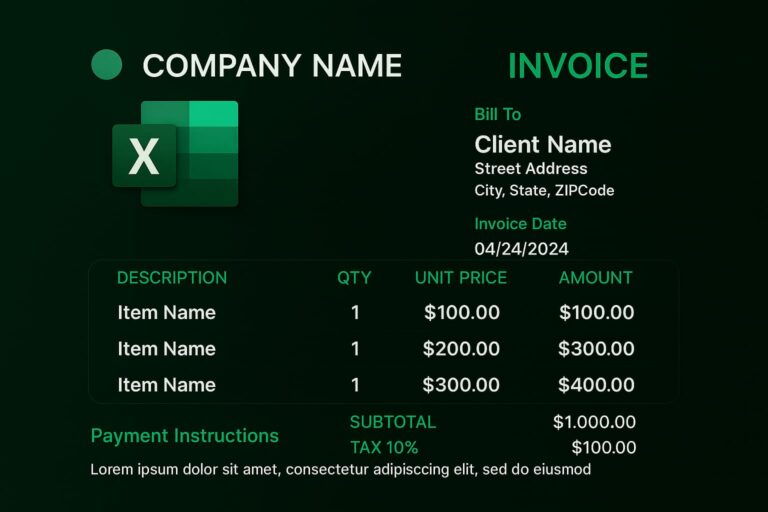
Invoice Structure Overview An invoice needs to contain the following structure: the header, the client’s details, the invoice details, payment info, and a note. 1. Header Section An invoice: have a header with the title INVOICE along with your business…
Recently I have made solution for sell inventory project which is Basically about Shoes inventory management system So after reading the full Blog you will be able to create and track you own Inventory List in Excel. FAQS: How to…

I have below sale data let me show you how can we apply pivot table or analyze it using pivot table. I have input sale data below Summary of steps that we will follow below: Select all data by clicking…