Tag excel

Mastering Power Query
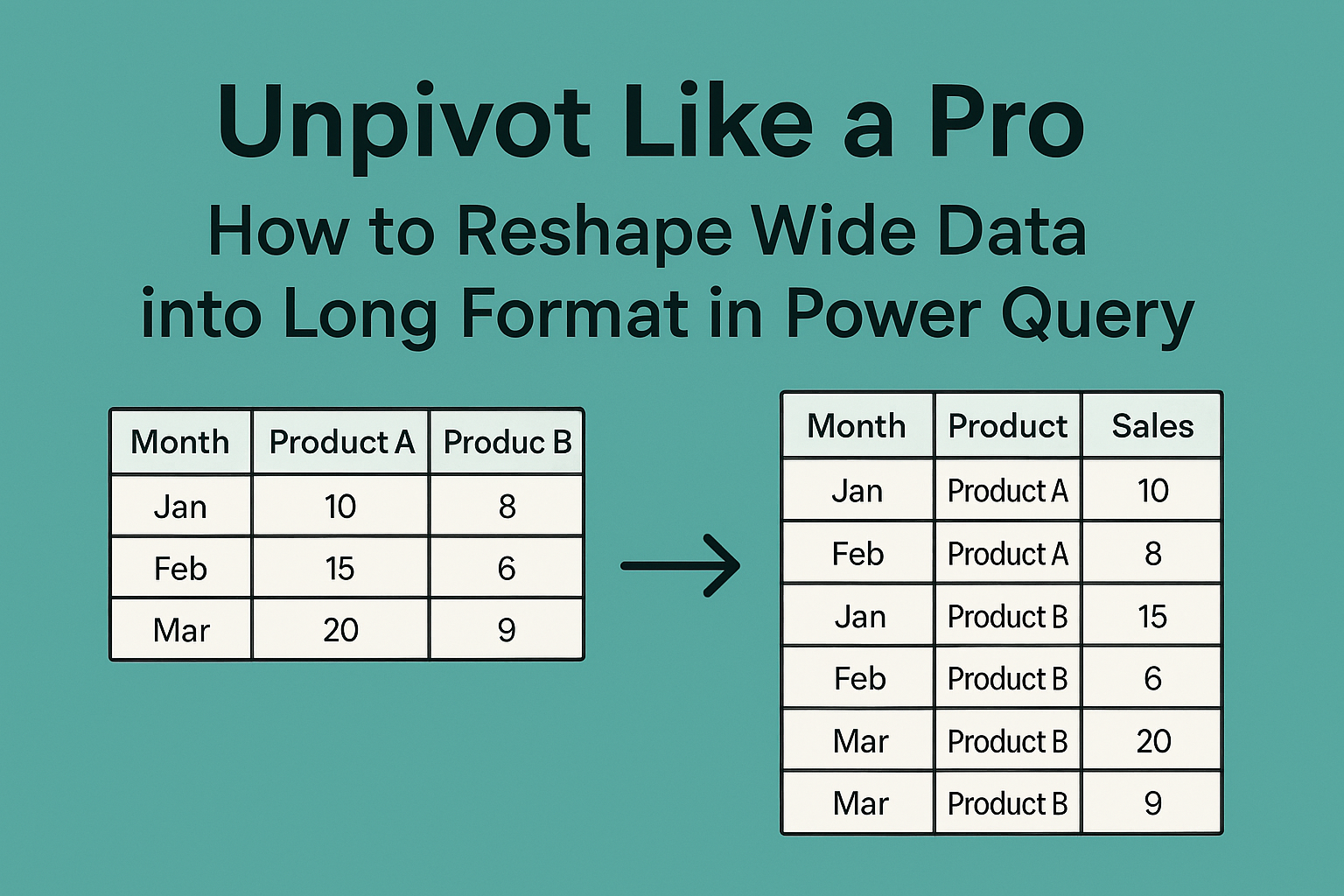
Unpivot Like a Pro: How to Reshape Wide Data into Long Format in Power Query What is Power Query? Power Query is a built-in tool in Excel (and Power BI) designed for data cleaning, transformation, and automation. It eliminates the…
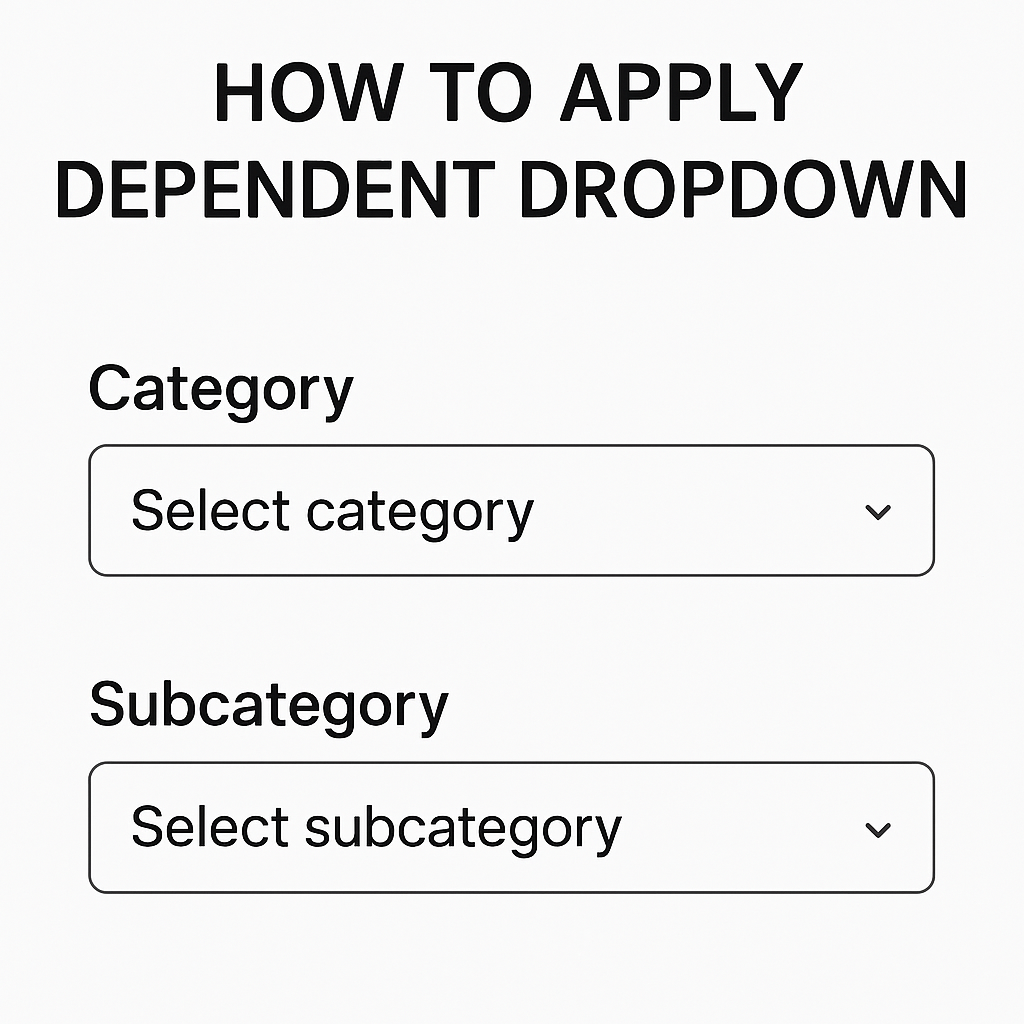
How To Apply Dependent Dropdown

We Have This Data Below > First Of All > Select The Range Of Data. And Go To Data And Then Click On Data Validation. Select List Option. And Put Formula For Main Category. Tips : Select The Main Category…

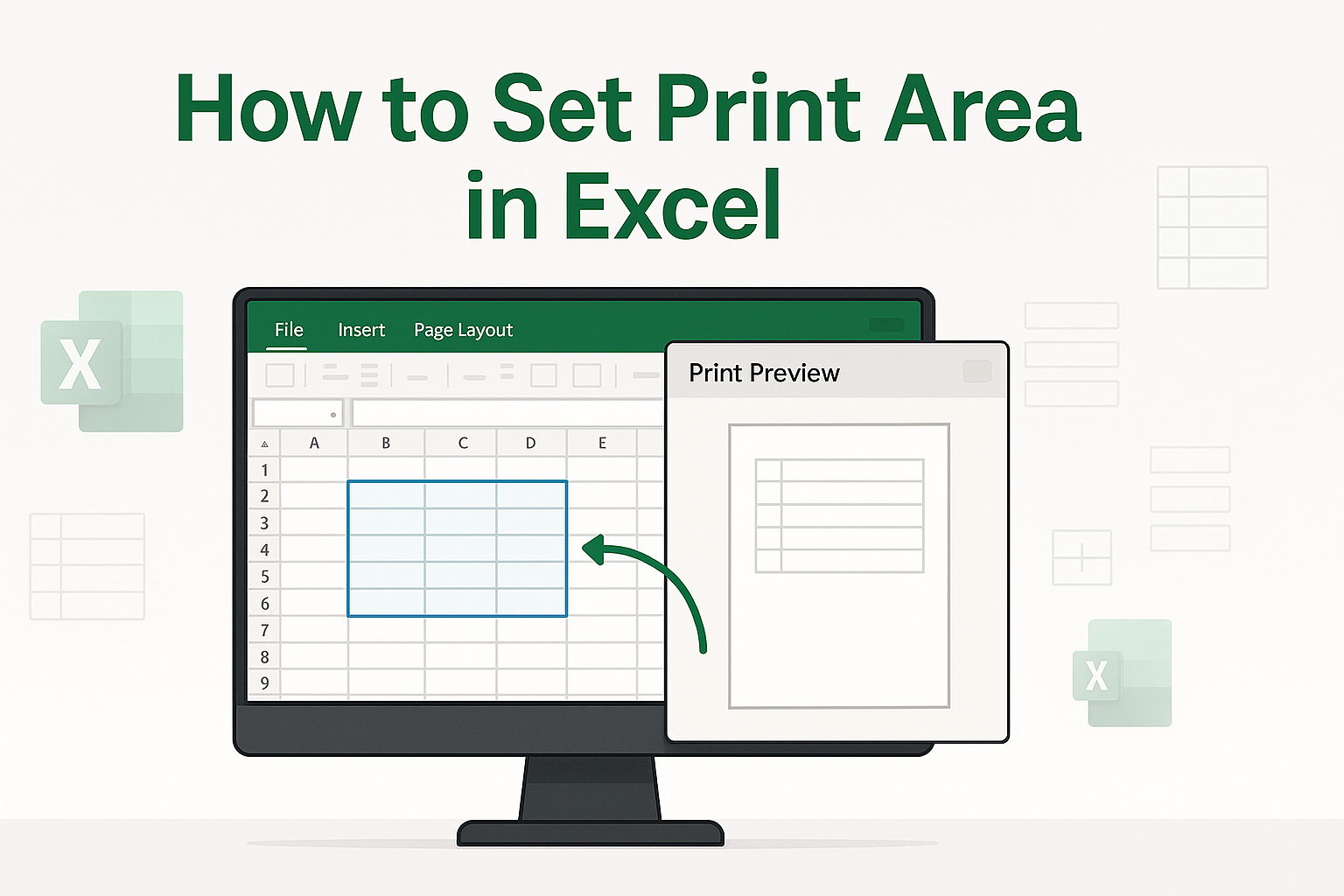
How to set print area in excel

We have This data Below Select  all data set. Go to page layout.              And now click Print area. And click a Set Print area. That’s it   here’s your work. I hope you’ll come again! Thank you.

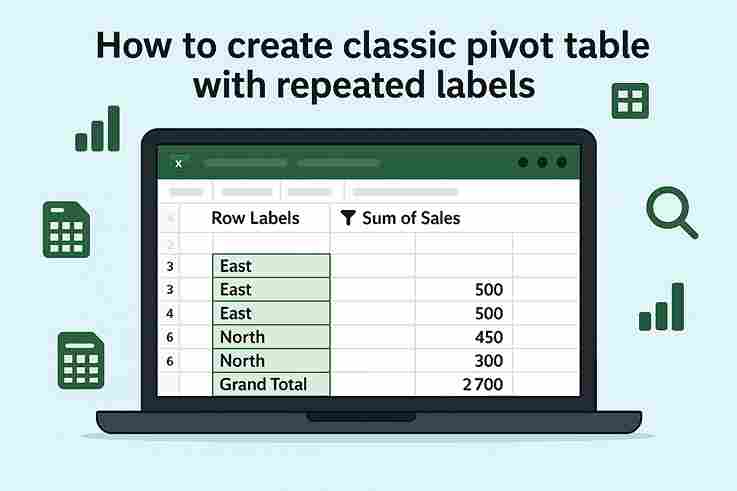
How to create classic pivot table with repeated labels.

Step 1: Insert Pivot Table 2. Go to Insert → PivotTable. 3. Choose New Worksheet (or existing) and click OK.  Step 2: Set Up Pivot Fields Step 3: Enable Repeated Labels 4. Click Report Layout again → Repeat All Item Labels. 5. Not cleaned yet: 6. Cleaning Click on…

Excel vs Google Sheets – Features Comparison

1. Platform Support Excel:Microsoft Excel primarily works as a desktop application for Windows and Mac. It offers a full-featured experience even without internet access. Google Sheets:Google Sheets is web-based and runs entirely in a browser. While offline access is possible,…