Category Excel

How to protect sheets using password

Step-by-Step Guide 1: Open Your Excel File . Launch Microsoft Excel and open the file you want to protect. . Choose the sheet you want to lock. Step 2: Go to the Review Tab . Click on the “Review” tab…

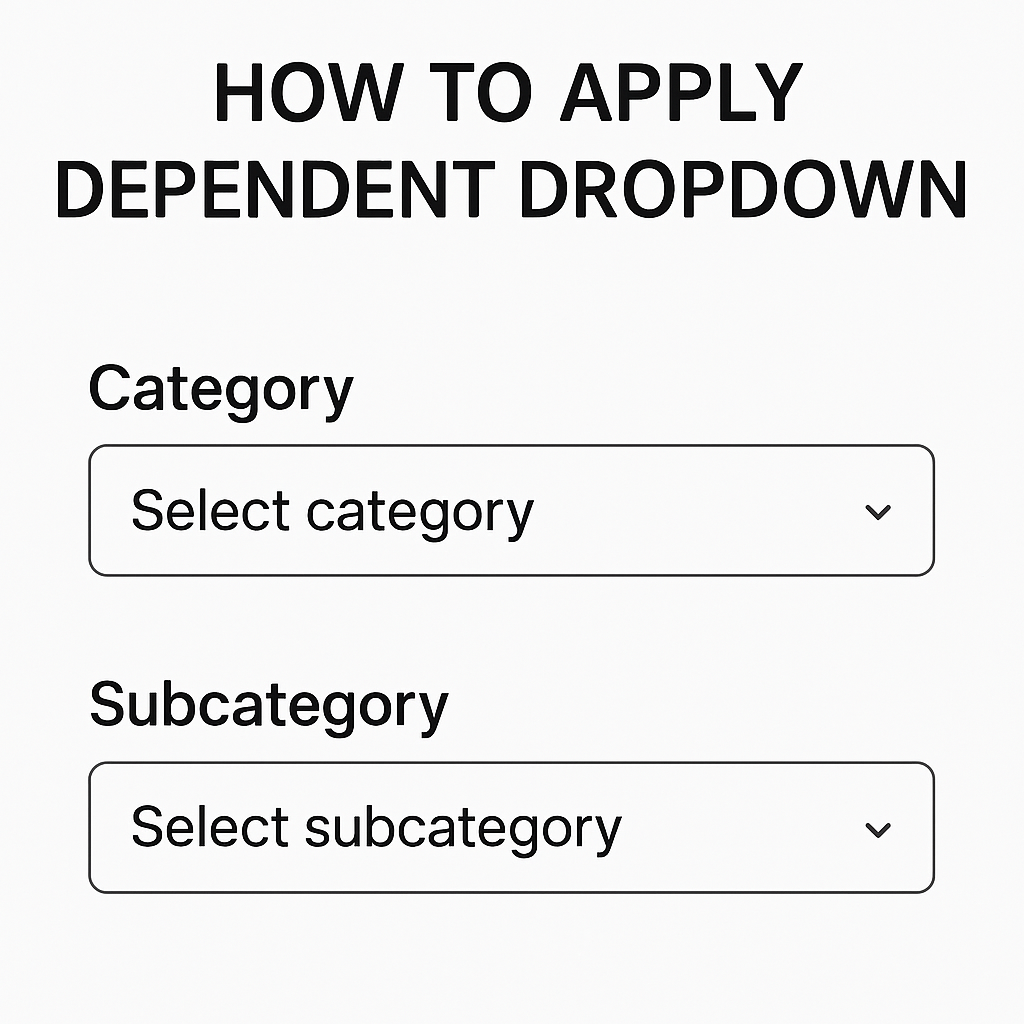
How To Apply Dependent Dropdown

We Have This Data Below > First Of All > Select The Range Of Data. And Go To Data And Then Click On Data Validation. Select List Option. And Put Formula For Main Category. Tips : Select The Main Category…

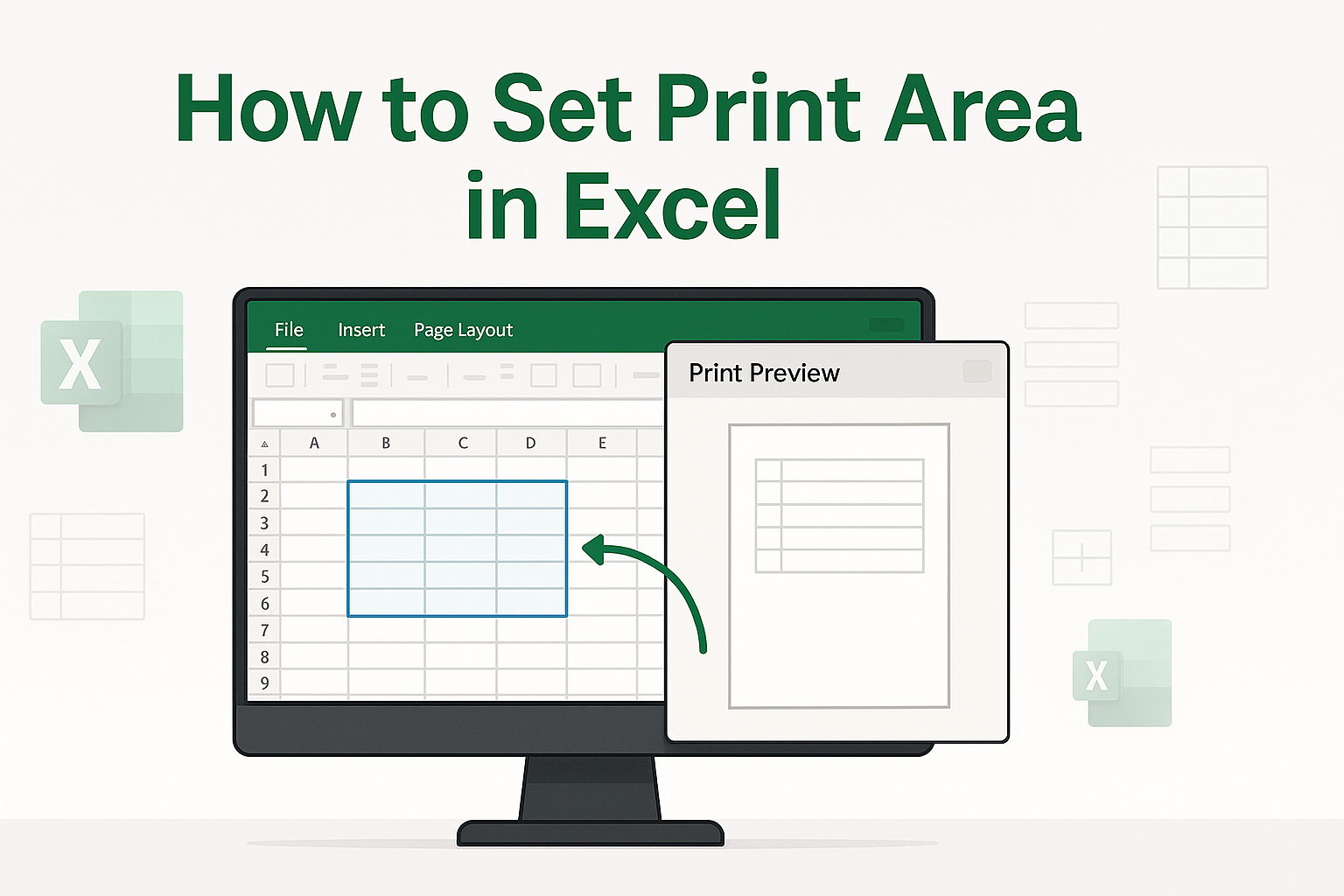
How to set print area in excel

We have This data Below Select  all data set. Go to page layout.              And now click Print area. And click a Set Print area. That’s it   here’s your work. I hope you’ll come again! Thank you.

how to remove grid line from excel sheet

How to remove grid line from excel sheet  Look at the data below. In this data, you can see gridlines in the background. We want to remove these gridlines. First, we need to go to the View tab. After going…

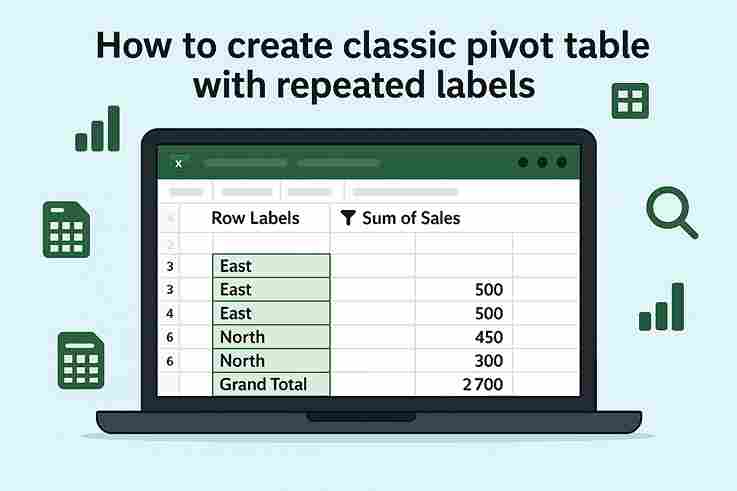
How to create classic pivot table with repeated labels.

Step 1: Insert Pivot Table 2. Go to Insert → PivotTable. 3. Choose New Worksheet (or existing) and click OK.  Step 2: Set Up Pivot Fields Step 3: Enable Repeated Labels 4. Click Report Layout again → Repeat All Item Labels. 5. Not cleaned yet: 6. Cleaning Click on…